
Best Practices for Server Room Design: An In-Depth Guide
Introduction
In today’s digital age, businesses rely heavily on technology and data management, making server rooms critical components of their operations. A well-designed server room ensures the reliability, efficiency, and security of IT infrastructure. This article will break down the best practices for server room design, address common misconceptions, and explain why this topic is crucial for businesses.
Understanding the Importance of Server Room Design
Why Server Room Design Matters
- Operational Continuity: A properly designed server room minimizes downtime, ensuring that critical systems remain operational.
- Data Security: Effective design protects sensitive information from unauthorized access and physical threats.
- Energy Efficiency: An optimized server room can significantly reduce energy costs, contributing to a greener footprint.
- Scalability: A well-planned server room can accommodate future growth and technological upgrades without extensive renovations.
Key Components of Server Room Design
1. Location
Choosing the Right Location: The server room should be situated away from potential hazards such as flooding, fire, or high traffic areas. Ideal locations are often on higher floors or in the center of the building.
Misconception: Some believe that any room can serve as a server room. In reality, environmental factors like temperature, humidity, and physical security are crucial.
2. Layout and Space Planning
Space Requirements: Ensure adequate space for servers, cooling systems, and maintenance access. A common rule is to allocate 100 square feet for every 10 racks of equipment.
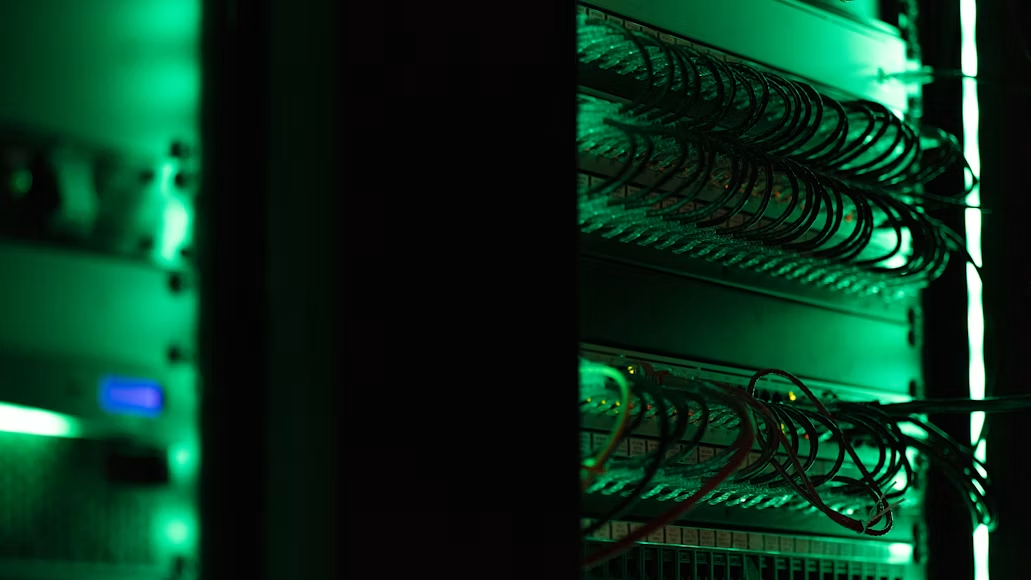
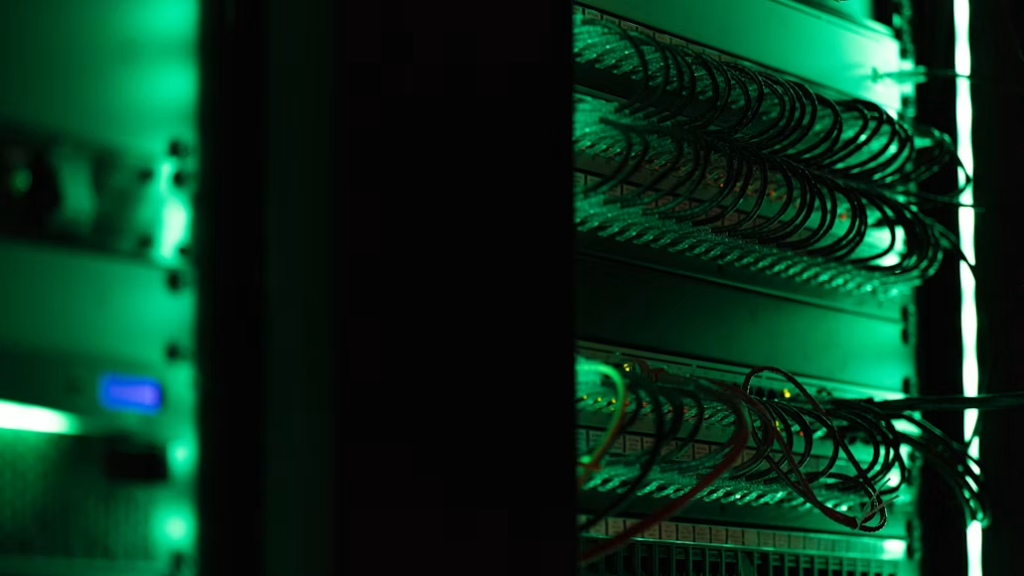
Cable Management: Implement organized cable management systems to prevent tangling and ensure easy access for maintenance.
Example: Companies like Google and Amazon invest heavily in space planning, using modular designs that allow for easy expansion and reconfiguration.
3. Cooling Systems
Importance of Cooling: Servers generate significant heat, and effective cooling systems are essential to maintain optimal operating temperatures.
Types of Cooling:
- CRAC Units: Computer Room Air Conditioning units provide dedicated cooling.
- Hot Aisle/Cold Aisle Containment: This design separates hot and cold air, improving cooling efficiency.
Misconception: Some believe that simply installing air conditioning is enough. In reality, the cooling system must be tailored to the specific heat output of the equipment.
4. Power Supply and Backup
Redundant Power Sources: Implement uninterruptible power supplies (UPS) and backup generators to ensure continuous power supply during outages.
Power Distribution: Use power distribution units (PDUs) to manage the power supply efficiently and prevent overloads.
Example: Many financial institutions have redundant power systems to ensure that transactions can continue uninterrupted even during power failures.
5. Security Measures
Physical Security: Use access control systems, surveillance cameras, and security personnel to protect the server room from unauthorized access.
Environmental Monitoring: Install sensors to monitor temperature, humidity, and water leaks, sending alerts to IT staff for immediate action.
Misconception: Some organizations underestimate the importance of physical security, believing that digital security is sufficient. In reality, both are crucial for comprehensive protection.
6. Fire Suppression Systems
Fire Safety: Traditional sprinkler systems may not be suitable for server rooms, as water can damage equipment. Instead, consider using gas-based suppression systems, such as FM-200 or Inergen.
Regular Drills and Maintenance: Conduct regular fire drills and maintenance checks on fire suppression systems to ensure they function correctly when needed.
Common Pitfalls to Avoid
- Neglecting Future Growth: Failing to plan for scalability can lead to costly renovations later on.
- Overlooking Environmental Controls: Inadequate cooling and humidity control can lead to equipment failures.
- Ignoring Compliance Standards: Ensure that the server room meets industry standards and regulations, such as PCI DSS for payment data security.
Conclusion
Designing an effective server room is not just about housing servers; it’s about creating a reliable, secure, and efficient environment that supports a business’s technological needs. By following best practices in location, layout, cooling, power supply, security, and fire safety, businesses can ensure operational continuity and protect their critical data assets.
Investing in a well-designed server room pays off in the long run, reducing costs associated with downtime, energy inefficiency, and security breaches. As technology continues to evolve, so too should server room designs, adapting to new challenges and opportunities in the digital landscape.